Every file says where it is
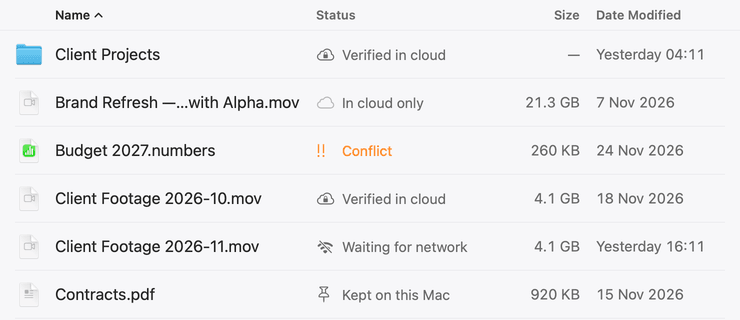
Your drive is a folder in Finder. Each file shows whether it is on this Mac, only in the cloud, or verified in both. Open one and it downloads.
Roomtide is a cloud drive made as a native Mac app. Files are encrypted on your Mac before upload, and nothing leaves your Mac for good until its cloud copy has been checked.
A Mac with Apple silicon and macOS 26 or later. From $3.99 a month.
A drive in Finder, a few honest tools around it, and nothing that pretends to be something it isn’t.
Your drive is a folder in Finder. Each file shows whether it is on this Mac, only in the cloud, or verified in both. Open one and it downloads.
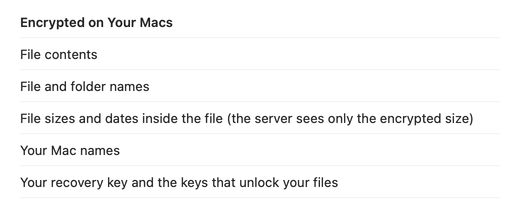
Contents, names and keys are encrypted before upload. The app lists what stays private and what our servers can see.
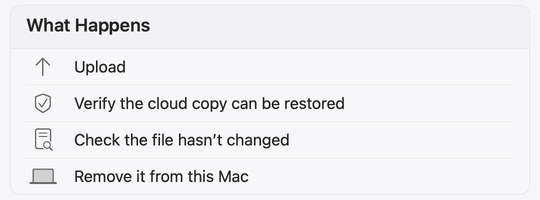
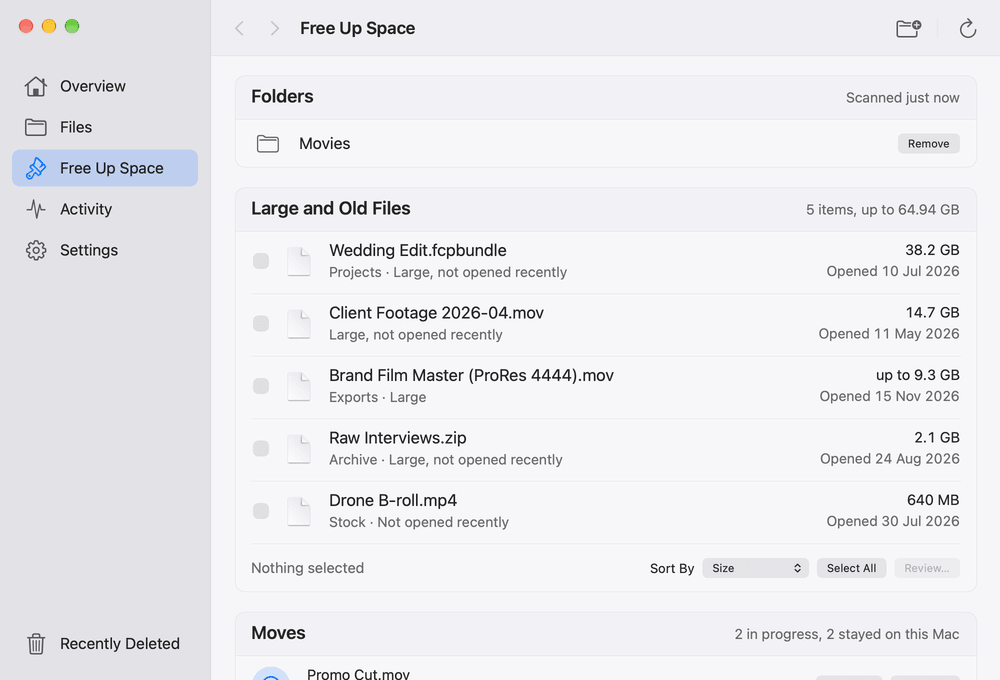
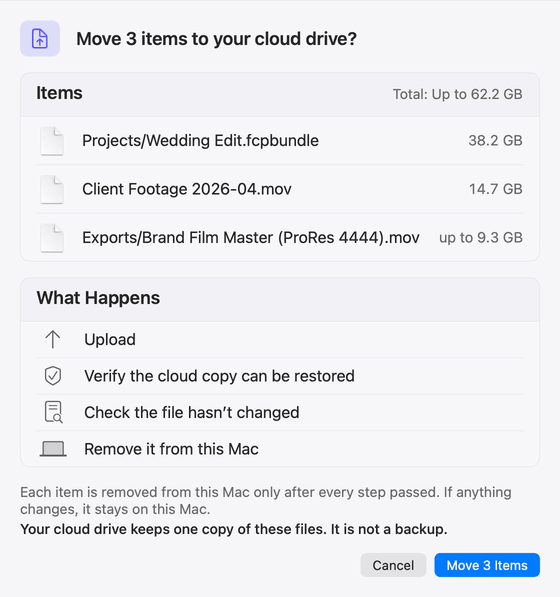
You choose what moves. Each original is removed only after its cloud copy is verified, then held for 24 hours.
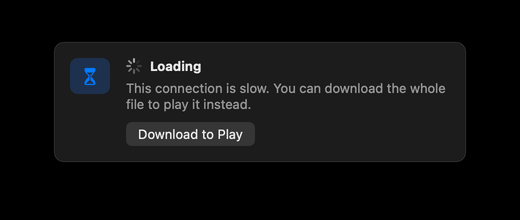
H.264 MP4 and ProRes MOV play in the app without downloading the whole file. Other formats download first.
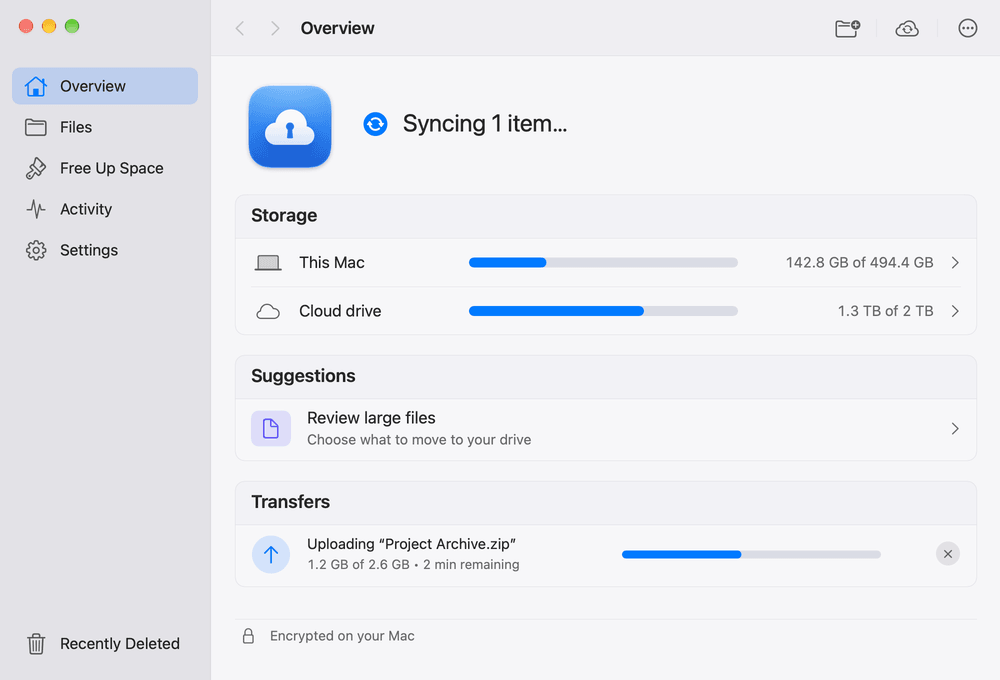
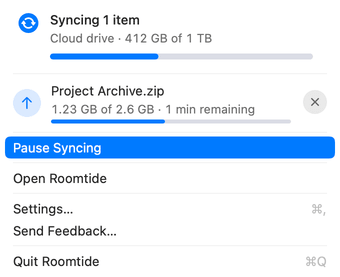
See what is syncing, how much space you use, and pause syncing on a slow connection.
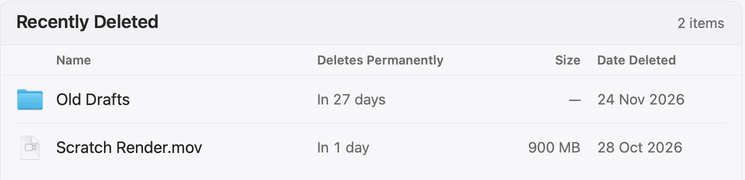
Deleted items wait in Recently Deleted for 30 days. Older versions are kept for 30 days, up to 10 per file.
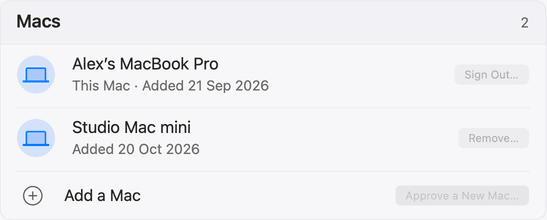
Add a Mac by comparing a code with one you already use. Remove a lost Mac and your account’s keys change.
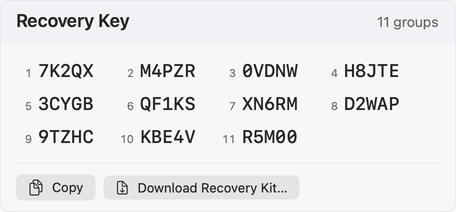
Shown once, never sent to us. Lose it and every Mac, and nobody, including us, can decrypt your files.
Browse everything in Finder or in the app. Files download when you open them, and you can keep the ones you need offline.
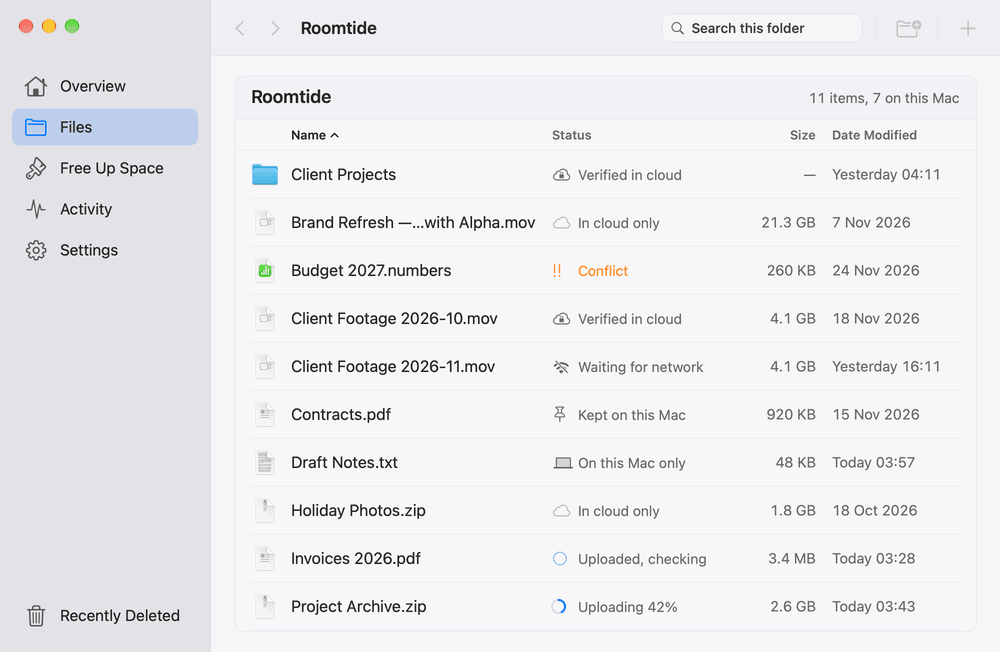
Files you open use space on your Mac until you or macOS remove the download. QuickTime, Preview and most other apps download the whole file before they open it.
Point it at folders like Movies or Projects. It lists large files you haven’t opened in a while and the space each would give back. You pick what moves.
If anything changes or a step fails, the file stays on your Mac. Your cloud drive keeps one copy of your files; it is not a backup. Keep a separate backup, for example with Time Machine.
Built with Apple’s CryptoKit: AES-256-GCM for every chunk of every file, a fresh key for each version, and device keys in your Mac’s Secure Enclave. Some things can’t be hidden from a server that syncs your files, so we list them.
We’re arranging an independent security review and will publish the report. Read the full list and how it works.
Prices for when the app is available to download. During the private beta, invited users get free storage.
$3.99per month
For a working set of documents, photos and a few projects.
$11.99per month
For video and photo libraries and finished client work.
Buying opens when Roomtide is available to download. Until then, join the beta and we’ll email you.
Prices in USD; Polar shows the final price, including any tax, at checkout. Storage counts your current files plus old versions and Recently Deleted items. Cancel any time.
The full list is on the FAQ page.
It can. Files that are only in the cloud don’t use space on your Mac, and Free Up Space moves large files you choose into your drive, removing each original only after its cloud copy has been verified and a 24‑hour hold has passed. Files you open are downloaded and use space until you or macOS remove the download.
Usually, yes. Finder shows every file, but QuickTime, Preview and most other apps download the whole file before opening it, so a large file takes as long as its download and needs that much free space. The built-in player is the exception: it plays H.264 MP4 and ProRes MOV files without downloading the whole file. Opening a file that isn’t on your Mac needs a connection.
No. Your cloud drive keeps one copy of your files, plus old versions and Recently Deleted items for 30 days. It is not a backup. Keep a separate backup, for example with Time Machine.
The design says no: file contents, names and the keys that unlock them are encrypted on your Mac before upload. Our servers can see some things, such as sizes, times and folder structure; here is the full list. We’re arranging an independent security review and will publish the report.
A Mac with Apple silicon and macOS 26 or later. Tested so far on macOS 27 (Apple silicon). Testing on macOS 26 hardware is still in progress.
Not yet. Buying opens when Roomtide is available to download; until then the pricing page shows the prices. During the private beta, invited users get free storage. Ask for an invite.
A Mac with Apple silicon and macOS 26 or later. Roomtide is in private beta: ask for an invite and we’ll send you the download.